
Pick a layout
<style> block (which every signature editor strips) or the <picture> element — and caniemail puts <picture> at 24% support, unsupported in Apple Mail, Gmail and every version of Outlook. So there is no reliable automatic swap. Instead pick one logo that survives both: hit Inbox: dark above and cycle the logo. Transparent loses its wordmark on dark. White plate is seamless on a white inbox and reads as a deliberate white badge on a dark one — and it matches the white depot strip. That's the one I'd ship.Logo left, details right, divided by the brand rule. The most conventional and the most legible — safest default.
 |
Hardus Pretorius
CEO
|
||||||||
Logo on top, one rule, two tight lines of detail. Narrowest footprint side-to-side, so it holds up best on phones.
|
| Hardus Pretorius · CEO |
| +27 82 926 3352 | hardus@hfcfuels.co.za | hfcfuels.co.za |
Just the Africa mark, name and a single line of contacts. Lightest of the three — good if they sign every reply.
 |
Hardus Pretorius · CEO
|
Logo left, details right, divided by the brand rule. The most conventional and the most legible — safest default.
Logo on top, one rule, two tight lines of detail. Narrowest footprint side-to-side, so it holds up best on phones.
Just the Africa mark, name and a single line of contacts. Lightest of the three — good if they sign every reply.
Add a strip optional
Cycles the tagline and the three wedge lines.
| ||||||||||
 | ||||||||||
Tagline holds still while a dashed road-line runs beneath it.
| ||||||||||
 | ||||||||||
The wedge line with an orange shine passing over it.
| ||||||||||
 | ||||||||||
This month's diesel price move, straight off the CEF/DMPR statement. Re-publish price.json each month and every signature updates itself.
| ||||||||||
 | ||||||||||
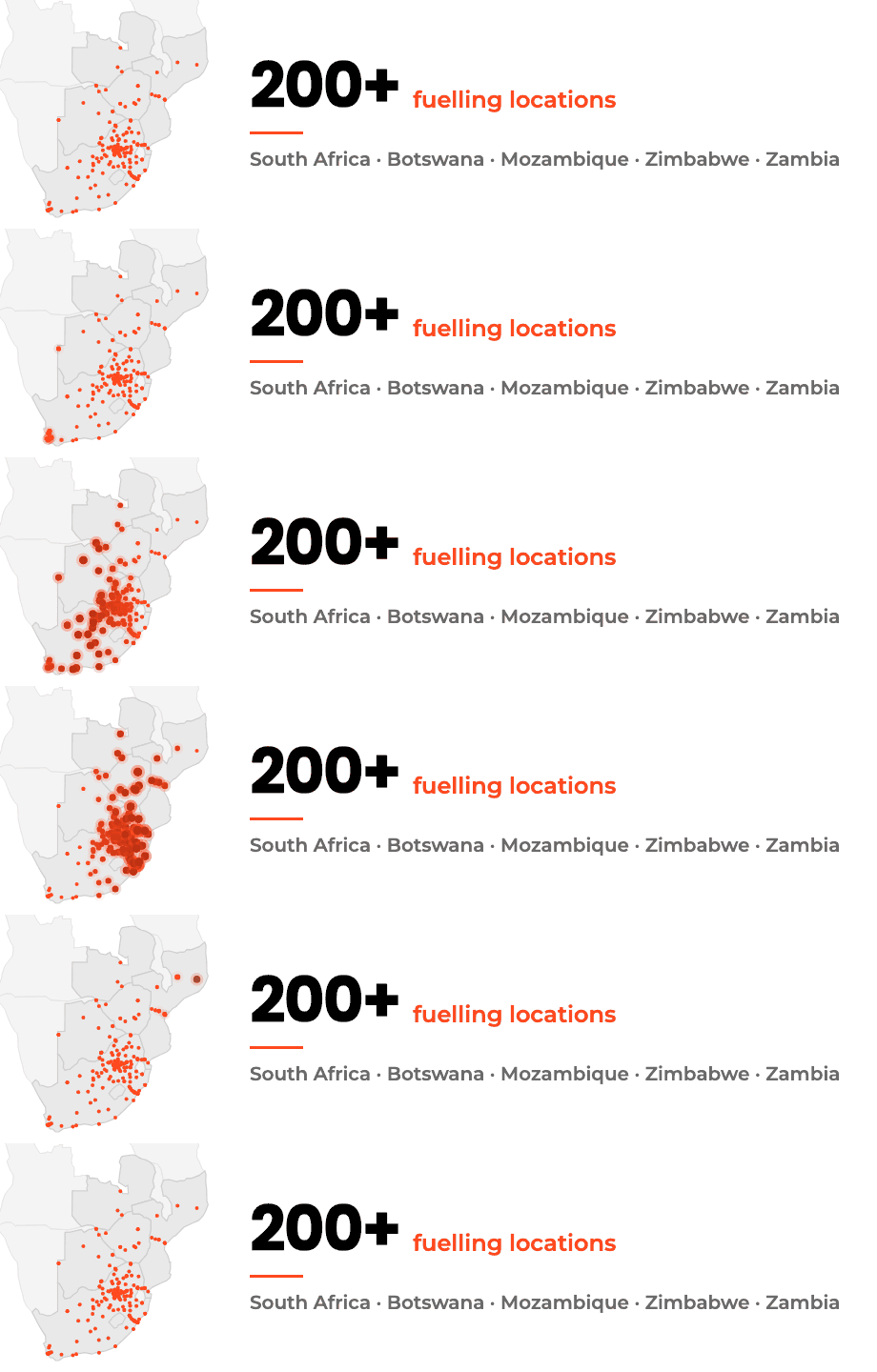
200+ fuelling locations across five countries, with a light sweep flaring each real pin. Frame 1 is the finished map, so Outlook desktop still shows the network.
| ||||||||||
 | ||||||||||
Cycles the tagline and the three wedge lines.
Tagline holds still while a dashed road-line runs beneath it.
The wedge line with an orange shine passing over it.
This month's diesel price move, straight off the CEF/DMPR statement. Re-publish price.json each month and every signature updates itself.
200+ fuelling locations across five countries, with a light sweep flaring each real pin. Frame 1 is the finished map, so Outlook desktop still shows the network.
How to install it
Outlook on the web / new Outlook
- Click Copy signature on the layout you want.
- Settings (gear, top right) → Mail → Compose and reply.
- Under Email signature, click + New signature and name it HFC.
- Click into the editing box and paste with Ctrl+V (Mac: ⌘V). Paste plainly — don't use Paste as plain text, that strips the formatting.
- Set it under Select default signatures for both New messages and Replies/forwards, then Save.
Outlook classic (Windows desktop)
- Click Copy signature on the layout you want.
- File → Options → Mail → Signatures…
- New, name it HFC, click into the Edit signature box, paste with Ctrl+V.
- Top right, set New messages and Replies/forwards to HFC. OK.
Outlook for Mac
- Click Copy signature on the layout you want.
- Outlook → Settings → Signatures, click +.
- Name it HFC, paste into the body with ⌘V, close the window to save.
- Set it as the default for the account under Choose default signature.
Rolling it out to the team
Specification
(Arial fallback)
retina-safe
light + dark mode